


As a Qualified admin, connect with your Outreach account to centralize your prospects’ data in Qualified.
- In Qualified, go to Settings → Integrations → Outreach → Connection.
- Click Install from Outreach.
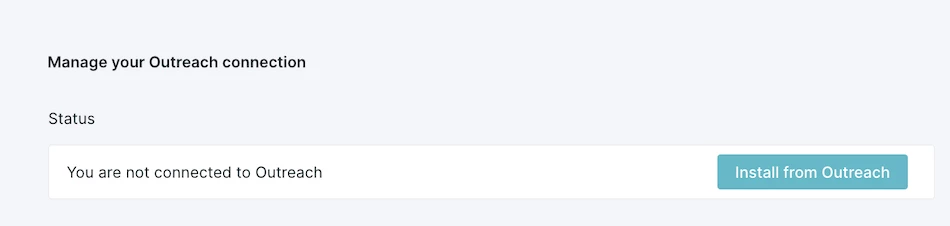
- A new window opens from Outreach Marketplace. Click Sign in to Install.
Note: You must be an admin in Outreach and an admin in Qualified to establish the org connection.
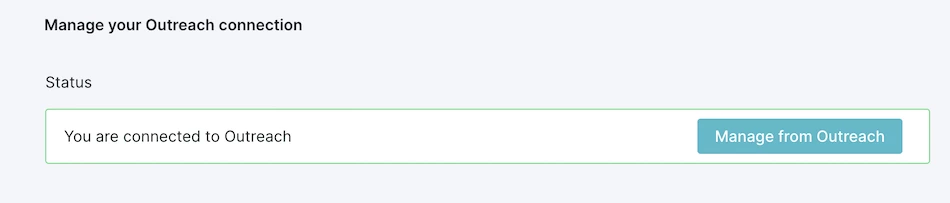
Next, confirm that the installation was successful.
- Back in your Qualified admin account, refresh the page or go to Settings → Integrations → Outreach → Connection.
- The status should say “You are connected to Outreach”.

.svg)


