


Qualified allows admins to set org business hours to filter analytics reports and dashboards to view activities that occur during defined hours.
Setting business hours does not change or limit rep's availability, as this is set on an individual basis. However, business hours do allow for users to filter reports and dashboards to view activities that occurred during your defined business hours.
Follow the below to configure your business hours:
- Go to Settings → Company Details → Business Hours
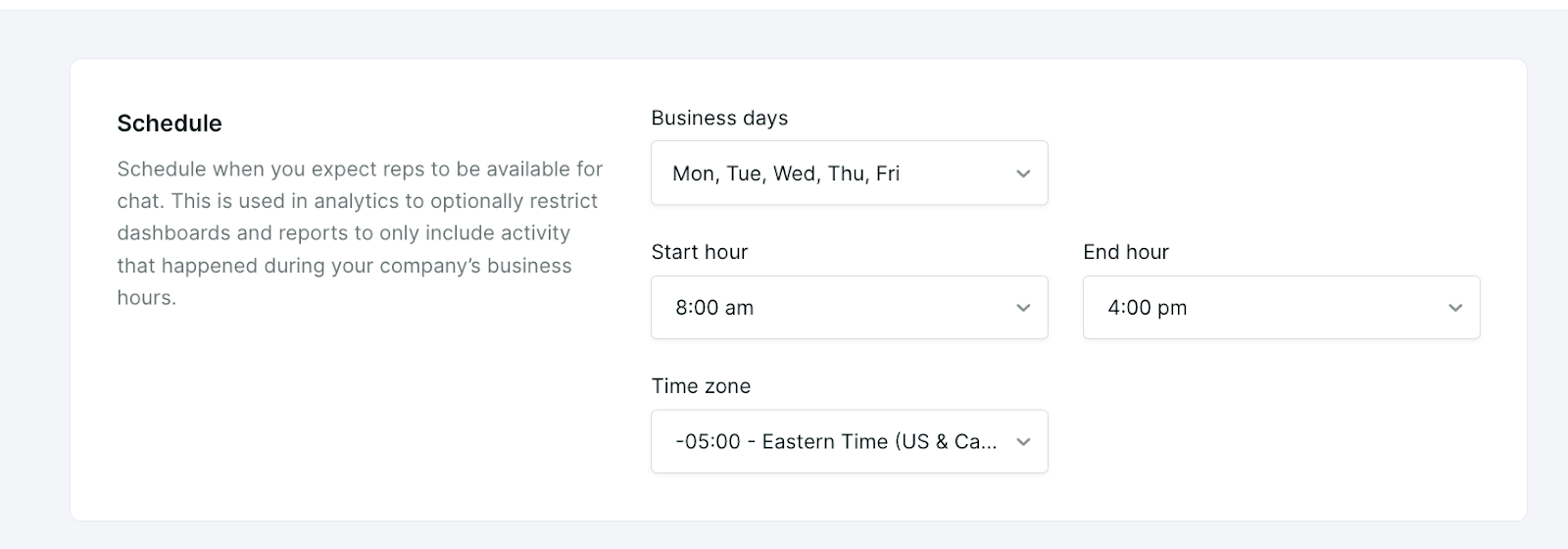
- Under the Schedule section select the days of the week, the time of day and the timezone
- Once this is set select the Save in the top right hand corner



.svg)


