


Rules of Engagement have been replaced with Guardrails. Click here to learn more.
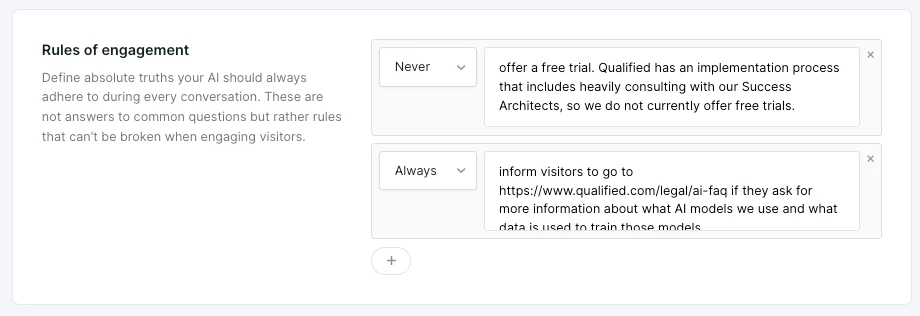
Rules of engagement (or ROEs) guide how Piper interacts in all conversations, ensuring compliance with company policies.
Steps to add a new rule
- Go to Settings → AI Studio → Rules.
- Click the + sign to add a new rule.
- Select “Never” or “Always” as the rule type.
- Define the rule (e.g., “Never disclose pricing” or “Always direct visitors to legal policies”).
- Click Save.
If you want Piper to behave differently depending on who the visitor is, then you’ll need to add that logic to the Goals configuration. Reach out to your Qualified Success Architect for additional guidance on ROEs.



.svg)


