


Once you have connected to Salesloft or Outreach, customize your field layout to ensure that your reps see the most relevant data.
1. Go to Settings → Integrations → Salesloft → Field layout or Settings → Integrations → Outreach → Field layout. A preview of the Visitor 360 card appears:
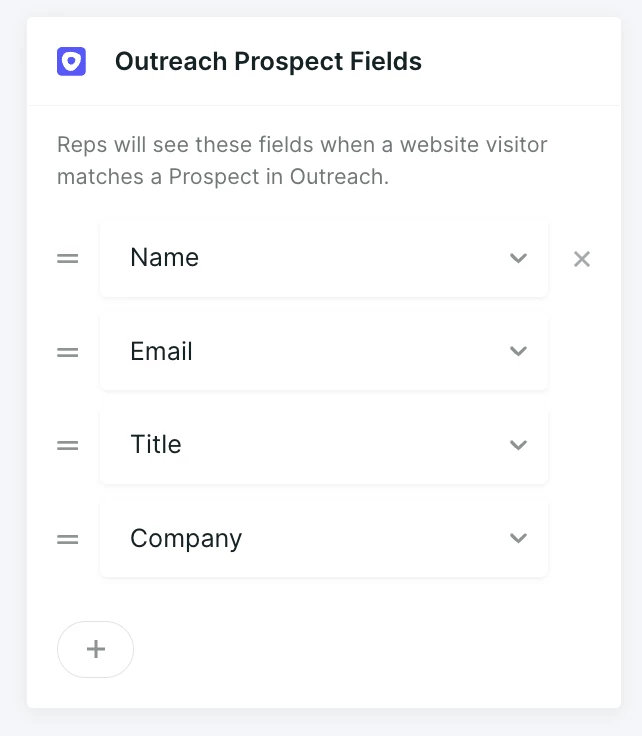
2. Customize the fields shown to reps:
- Click the Hamburger icon on the right to drag and drop the order of the fields.
- Click the Arrow icon to open a list of other available fields. Select which one(s) to include.
- Click the X icon to delete that field from the Visitor 360.
- Click the + icon at the bottom to add additional fields.



.svg)


