


Qualified can automatically track clickthroughs from Google Ads and LinkedIn Ads for specific ad types. When you want more flexibility, manually customize your advertisements’ hyperlinks so Qualified incorporates clickthrough events in the Live View, Account 360, and Signals data.
When to use this method
There are three circumstances when you may want or need to manually append UTM parameters for Qualified to track clickthroughs:
- You prefer to not connect Qualified with your LinkedIn Ads account.
- You use an ad type that our LinkedIn integration does not automatically track.
- You want to track Facebook ads.
This approach only monitors ad clickthroughs from LinkedIn and Facebook but is not compatible with Google Ads.
How to track ads
When building a Linkedin or Facebook ad, append both of these UTMs to the hyperlink:
- utm_source
- utm_campaign (We recommend setting the value to linkedin or facebook.)
View clickthroughs in Qualified
Manually tracking your ads with this route tells you if and when someone clicked on the ad; it does not present an ad’s image in the Visitor 360 or Account 360:
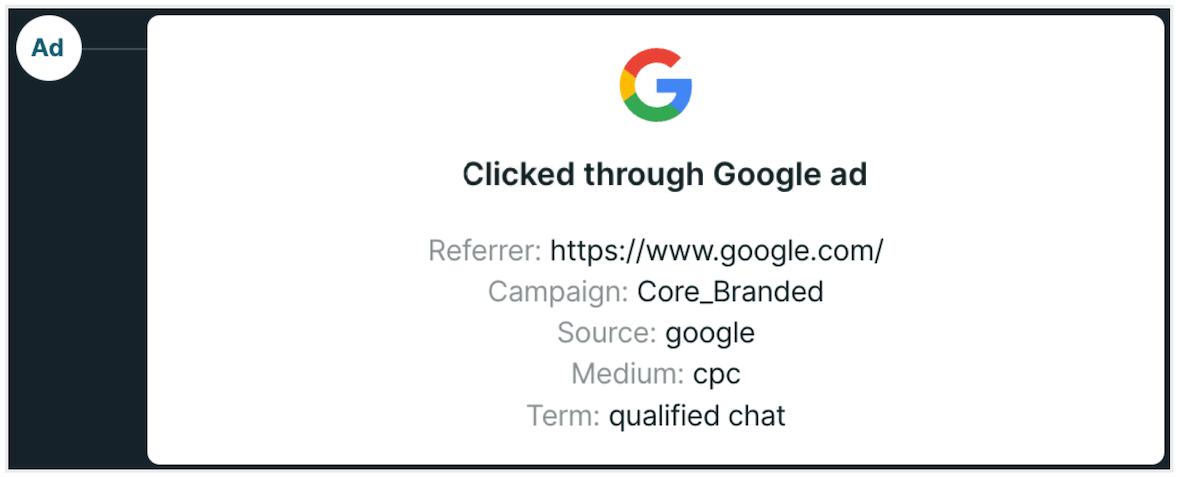
You can also create a custom report and include the Ad Clickthrough? column to know which sessions began with a tracked ad.



.svg)


