


The agentic marketing era has arrived! To help you lead the charge, we’ve evolved AI Studio into Agent Studio - your new command center for building and managing a custom AI SDR agent.
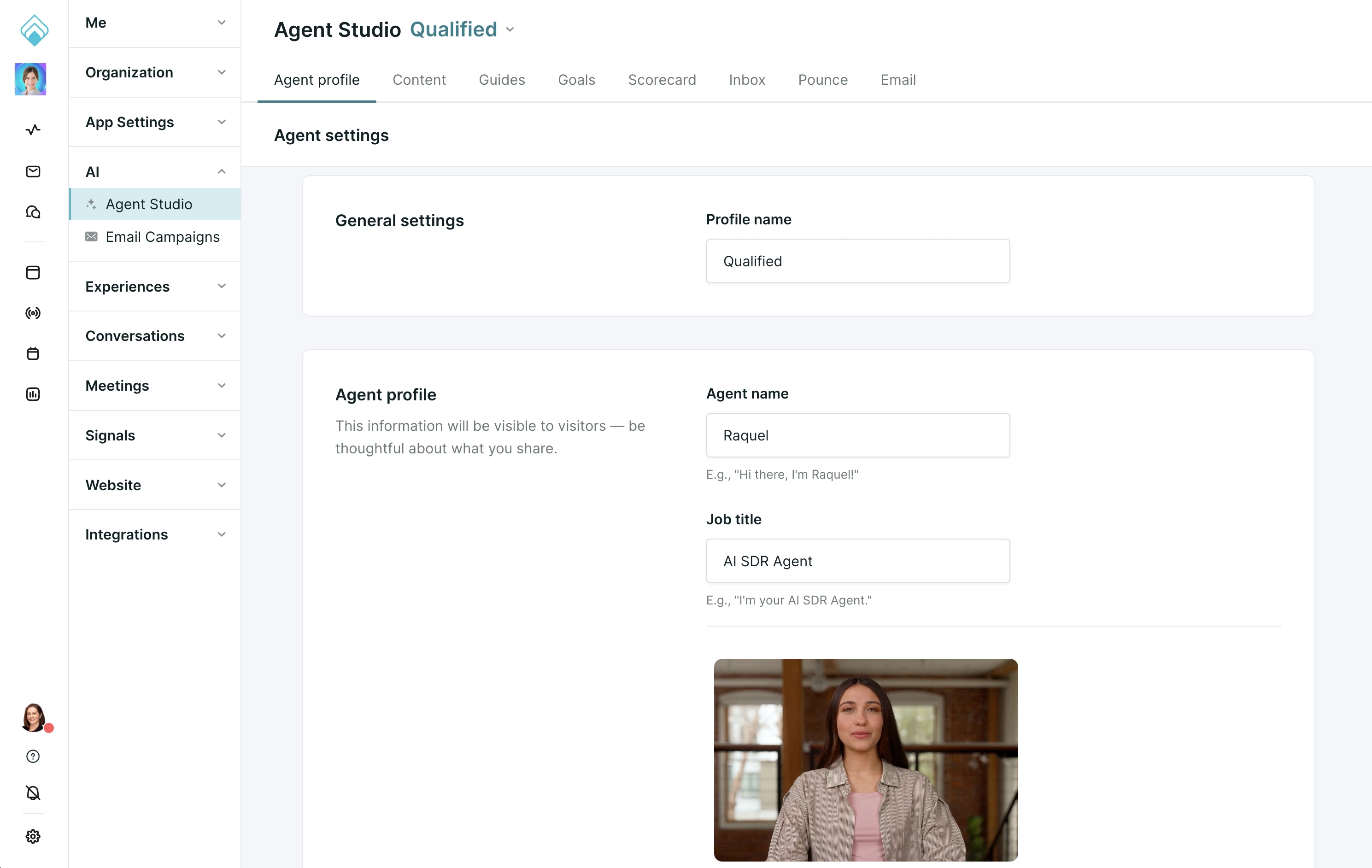
While we refer to our own superagent as Piper, the AI SDR Agent, this space is yours. In Agent Studio, you have the power to brand and instruct your own AI agent to act as a seamless extension of your SDR team.
What’s New: The Agent Profile
In the previous AI Studio, your agent's identity was limited to a static profile photo. In Agent Studio, your agent comes to life through modality options that allow for text, voice, and video interactions.
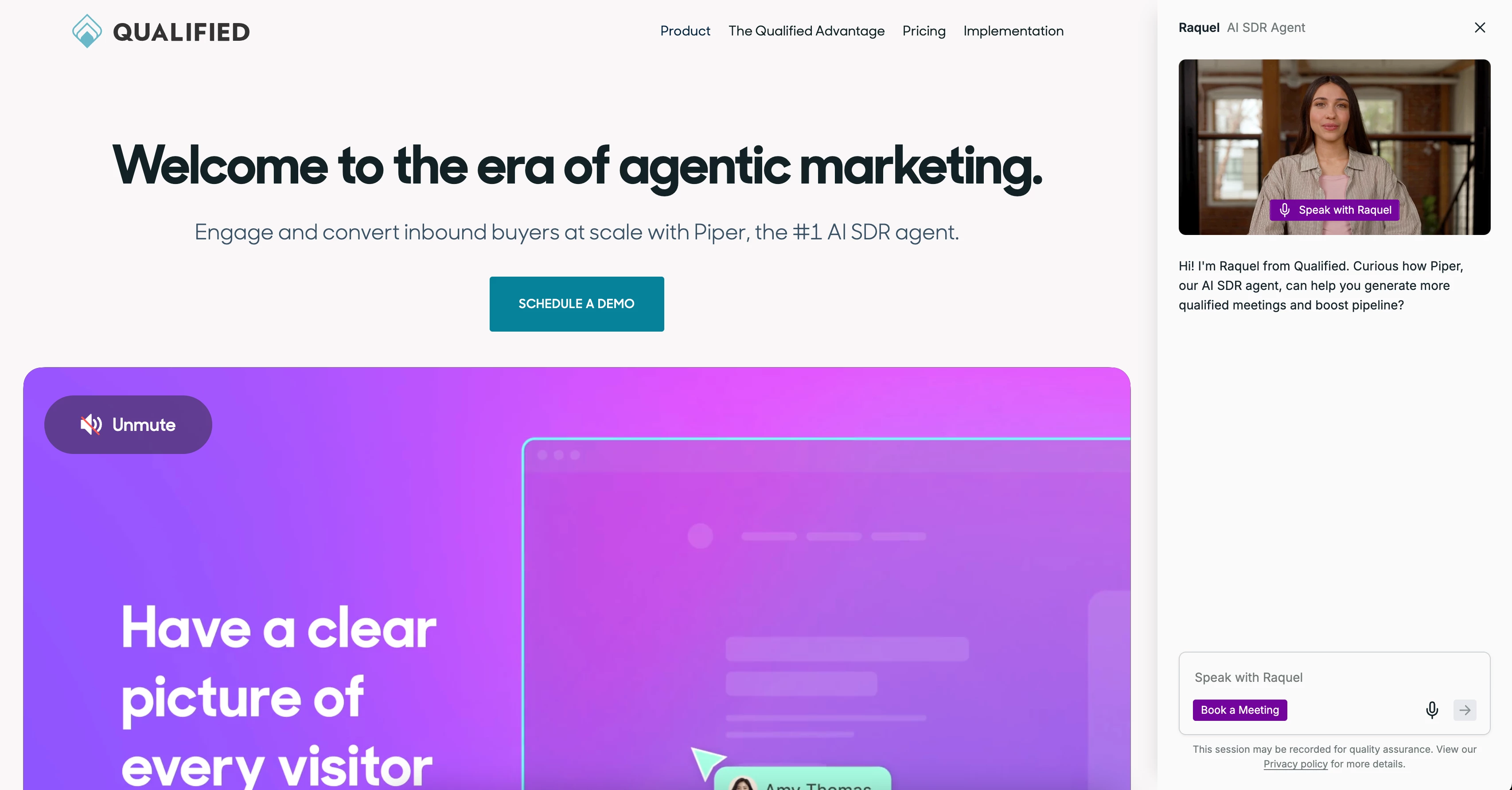
The agent avatar
For the most human-like experience, we recommend using an agent avatar. This allows your AI agent to engage with buyers face-to-face via real-time video and voice. It transforms your website into a live discovery session available 24/7. Learn how to configure your agent avatar here.
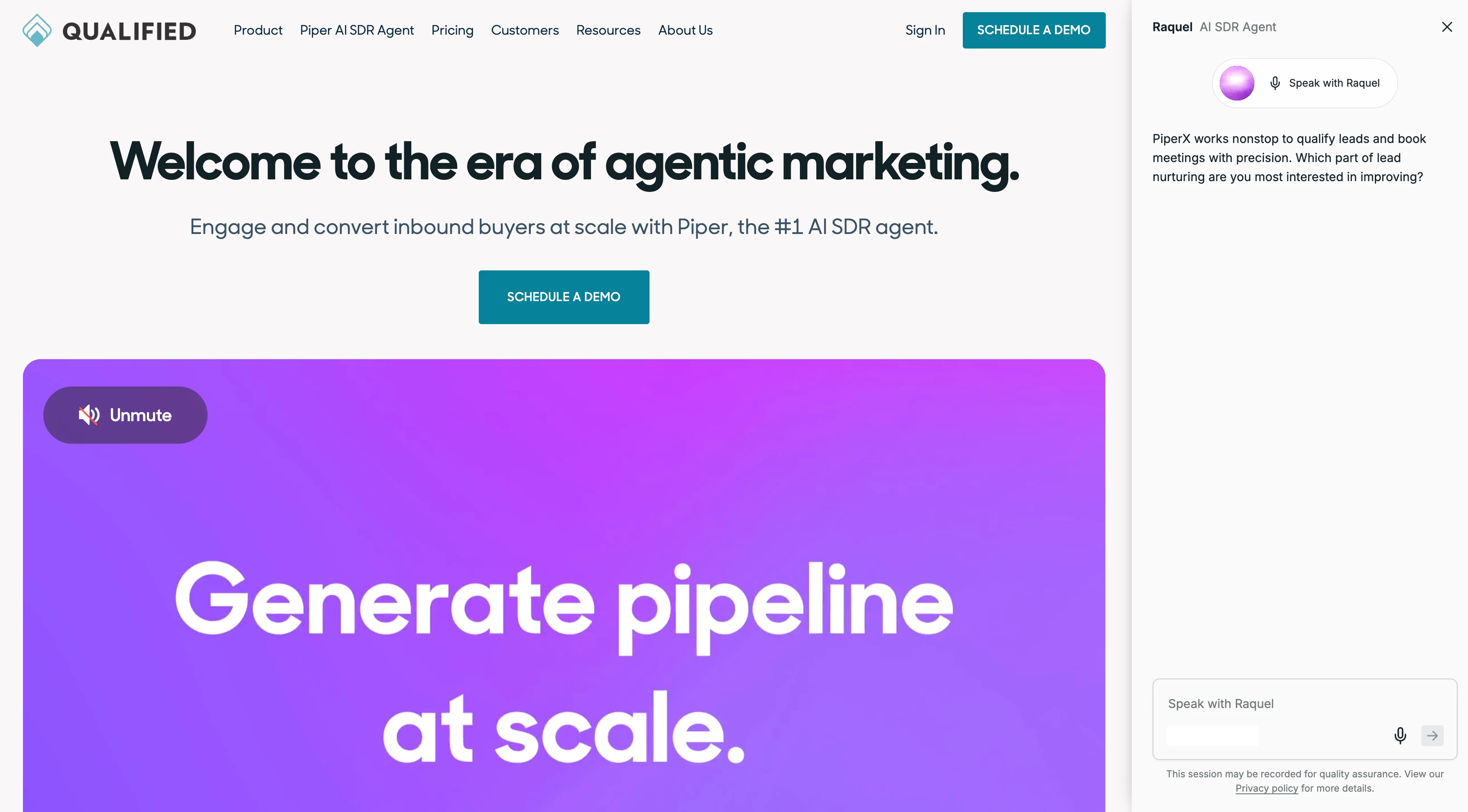
The agent orb
As an alternative, you can choose the sleek, pulse-like agent orb or upload your own custom image. This experience provides a modern, multimodal interaction through voice and text. Learn how to configure your agent orb here.
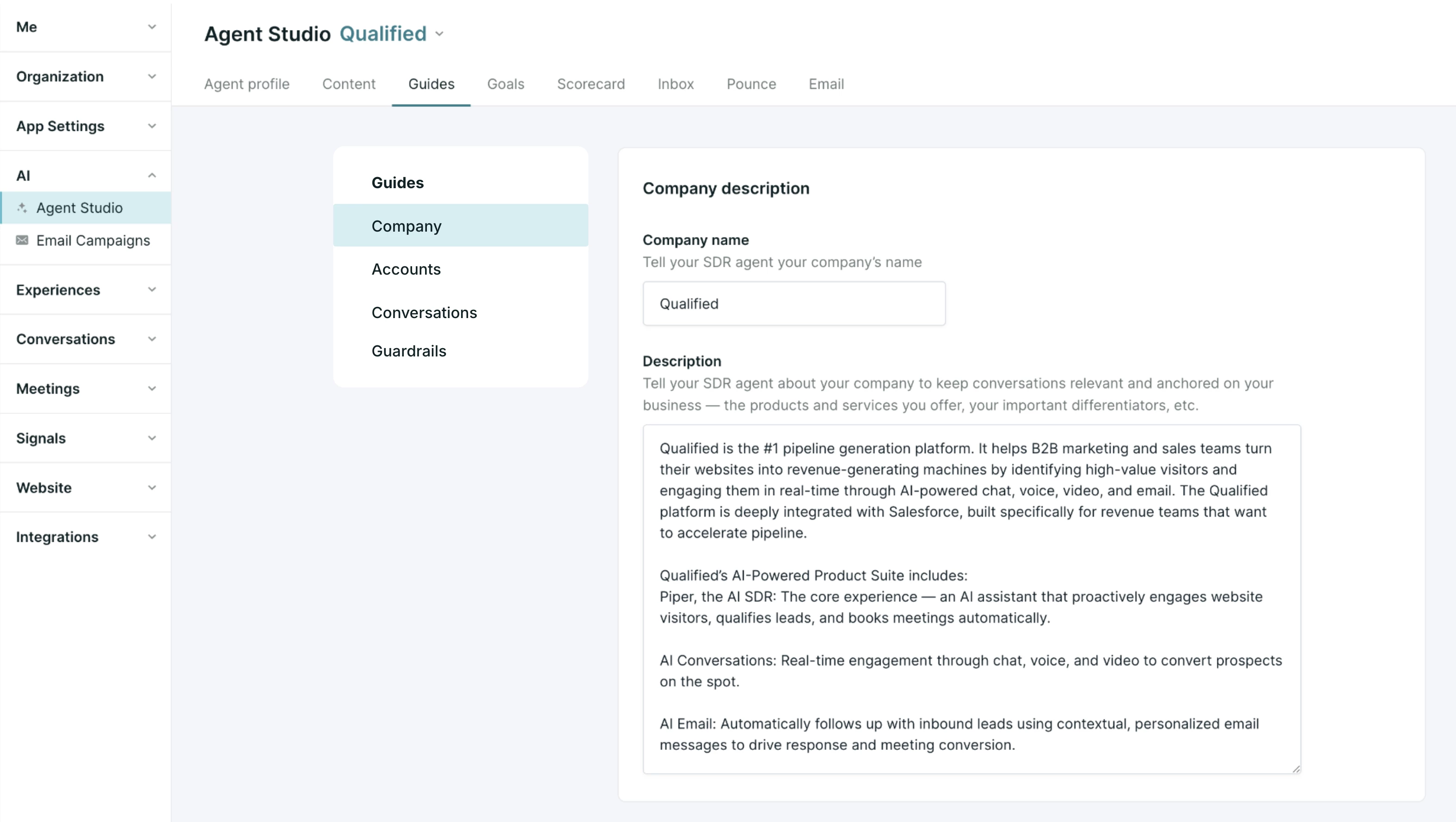
The Brain of Your Agent: Guides
We’ve moved away from rigid, rules-based formats to a more intuitive system. You now use natural language to define core Guides, which act as the "brain" for your AI agent.
Instructions vs. Outcomes
To get the most out of Agent Studio, it’s helpful to distinguish between your agent's instructions and its intended outcomes:
- Guides are your instructions: Use Guides to tell your agent how to handle the general conversation "flow." This includes things like providing support, answering common questions, or explaining a free trial.
- Goals are your outcomes: Reserve Goals for specific, actionable conversion events like "Book a Meeting" or "Register for Webinar."
To connect the two, simply @mention a specific Goal within your Conversations guide. This tells your AI agent when to transition from helpful guidance to a conversion.
Your Guide Library
The Guides tab provides a comprehensive library to manage your agent's knowledge:
- Company description: Brief your agent on what your company does and your core value propositions.
- Accounts: Identify your VIPs by connecting target account lists so your AI agent knows exactly who to prioritize.
- Conversations: Describe the key outcomes you want this chat to drive—such as qualification, meeting booking, and data capture.
- Guardrails: Establish the "do's and don'ts" to ensure your agent stays within your brand's legal and ethical boundaries.
Ready to start building? Check out Understanding and configuring Guides in Agent Studio to learn how to use natural language to power your multi-modal agent and drive pipeline.
Interactive Content: Slides
Request to enable: The Slides feature is currently in Trusted Tester and not yet generally available. Please contact your Qualified Success Architect to request access for your account.
Your AI SDR agent can now do more than just talk, it can show and tell. By adding Slides to the Content section of Agent Studio, you enable your agent to present high-impact visuals, like implementation milestones or process diagrams, directly within the conversation.
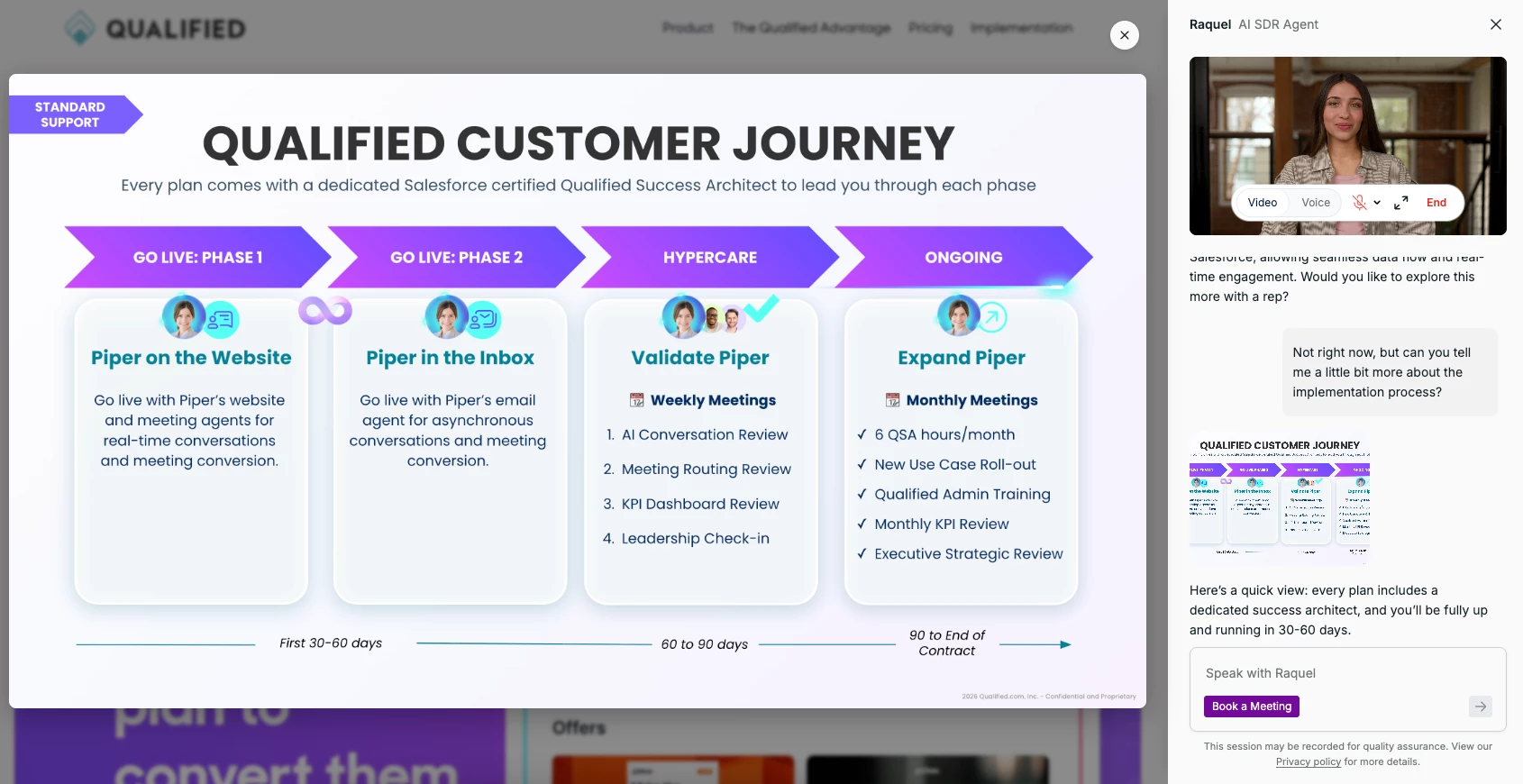
Ready to upload your first visual? Follow our How to share Slides in conversations to get started.



.svg)


