


Once you’ve connected to Demandbase and/or 6Sense, add relevant information to your fields to save on the visitor record. Visitor fields are the fields in Qualified where you will store everything you wish to track and know about your website visitors.
Visitor fields contain information you might gather through chatting or talking to a lead directly, the information they might have given you explicitly through a lead form or chatbot or other info that might be pulled from an external system, like 6sense.
- Navigate to Settings → App Settings → Fields.
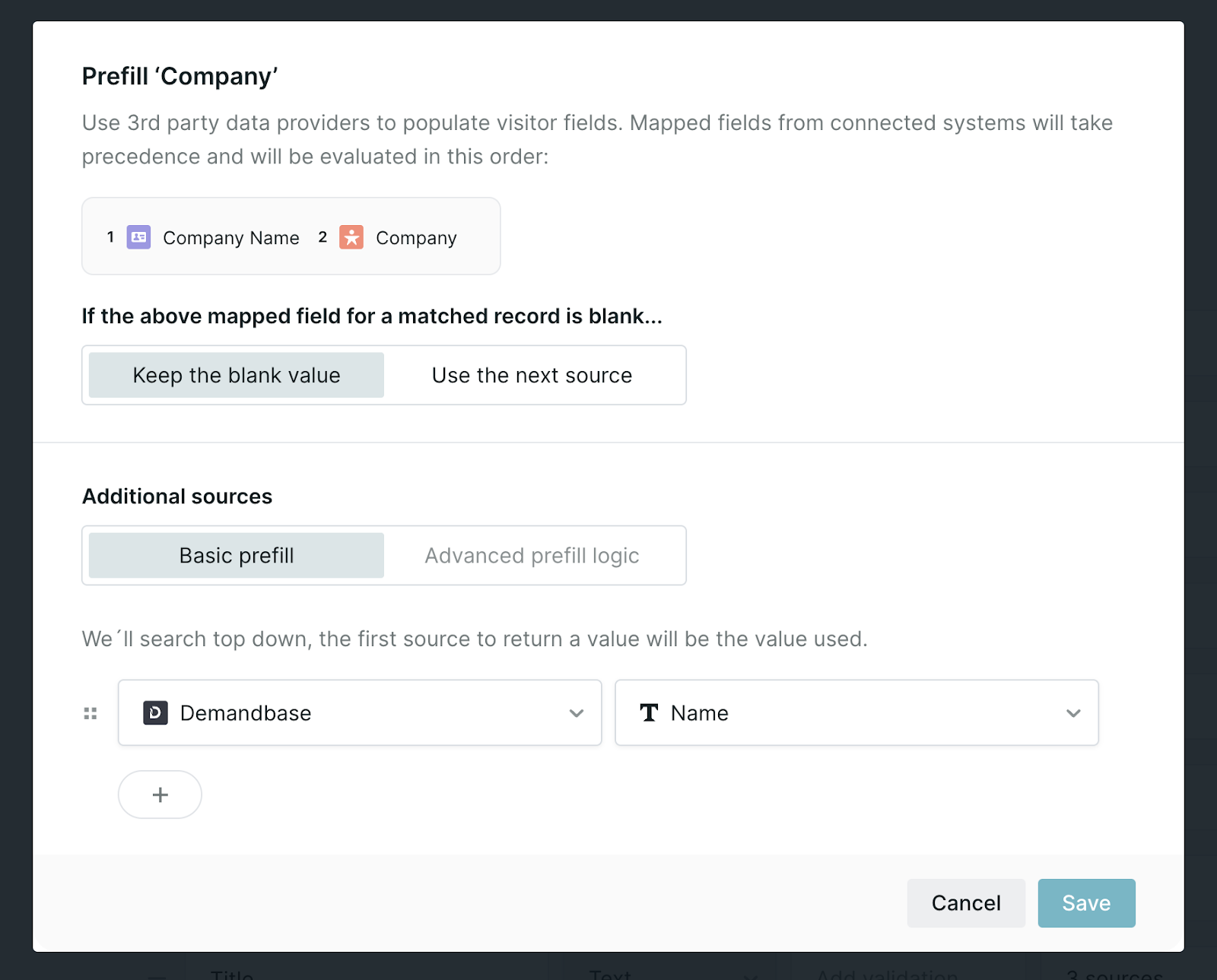
- Select the field you wish to prefill with the Demandbase or 6Sense data or create a new one.
- Select your source (Demandbase or 6Sense).
- Select the data from the ABM platform, such as the company “Name” shown below, that you'd like to store in your visitor field.



.svg)


