


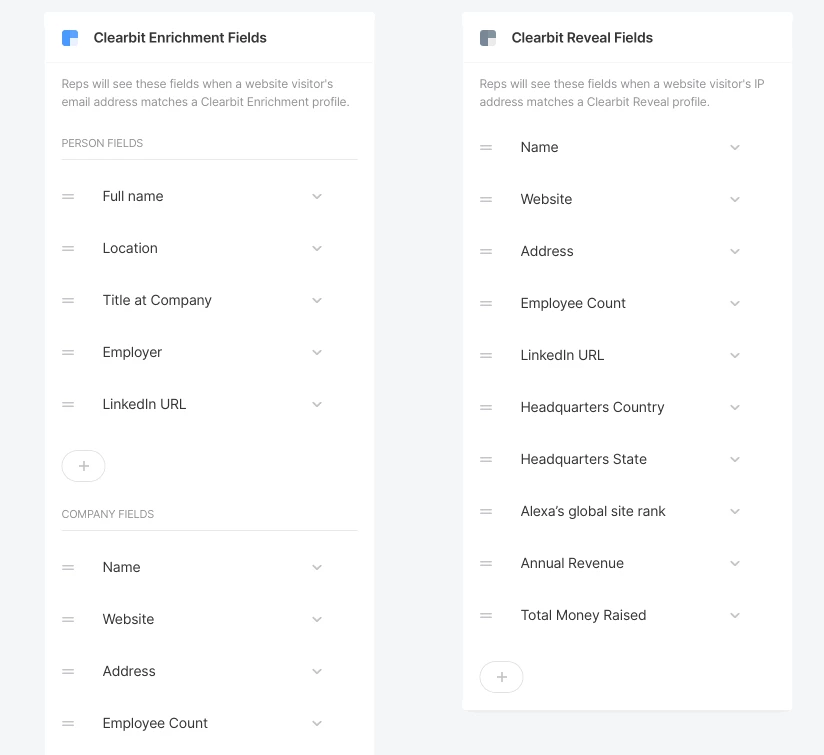
The Clearbit, 6sense, and ZoomInfo field layouts show on the left side of the Qualified app when your sales reps interact with or view a visitor on your site. You can add or remove fields depending on what’s most important to your sales reps by going to:
- Clearbit: Settings → Integrations → Clearbit → Field Layout.
- ZoomInfo: Settings → Integrations → ZoomInfo → Field Layout.

Click the + button to add fields, and use the handles on the left to drag fields into the order you want.



.svg)


