


The Live Booker allows Qualified users to book meetings for leads or contacts on behalf of sales reps or team members. Admins can choose a specific rep or use routing logic based on meeting type settings and launch the scheduling flow from either Qualified or Salesforce
Accessing the Live Booker
From Qualified
- In the left navigation, click the Meetings tab.
- If the Live Booker tab is not selected by default, select it.
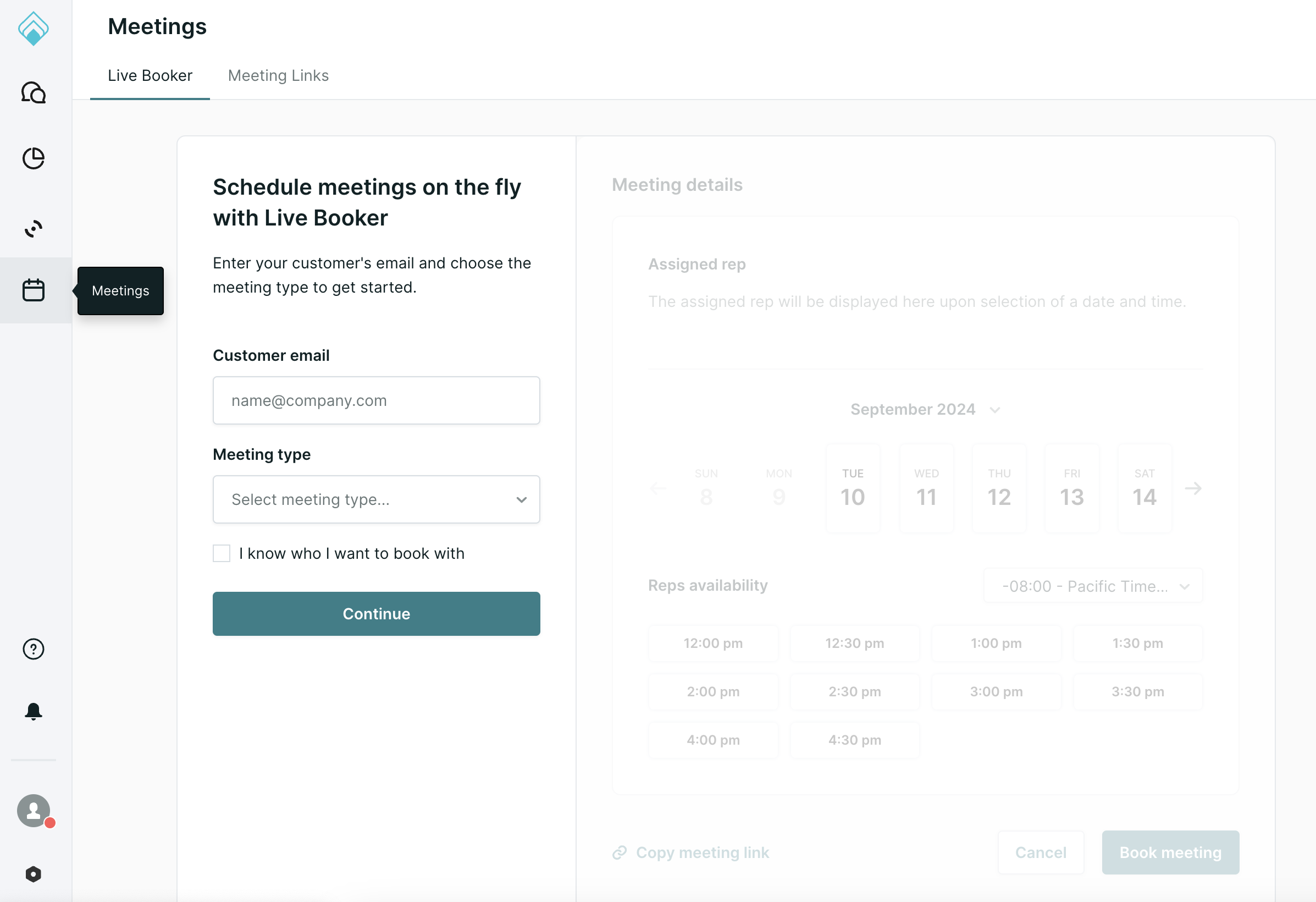
If you don't see the Live Booker tab, contact your Qualified Success Architect.
From Salesforce
Salesforce Admins can add a custom button to the Lead or Contact record to launch Live Booker. For setup steps, see Adding the Qualified Live Booker to Salesforce.
Booking meetings with the Live Booker
Once you have launched the Live Booker, follow the steps below to book a meeting:
- Enter the email address of the client or lead you're booking for
- Select the appropriate meeting type.
- Choose your booking method:
- To book with a specific rep: Check the box labeled "I know who I want to book with" and select the rep from the list.
- To use routing rules: Leave the box unchecked and click Continue.
Routing logic options
Depending on your meeting type's routing, Live Booker supports:
- Flexible round robin: shows combined calendar availability for all eligible reps. After you select a time, the meeting is assigned to the next available rep in rotation for that slot.
- Strict round robin: shows calendar availability only for the next rep in rotation. That rep appears at the top.
If your organization hasn't moved to Meeting Queues, these appear as Smart Routing and Round Robin. Learn more in How to configure and use Meeting Queues.
Direct booking view
If you selected a specific rep, only that rep’s calendar availability will be shown.
Meeting roles
Live Booker supports distinct roles:
- Meeting organizer: The person booking the meeting. They can make changes to the meeting invite
- Meeting host: The rep who will attend the meeting.
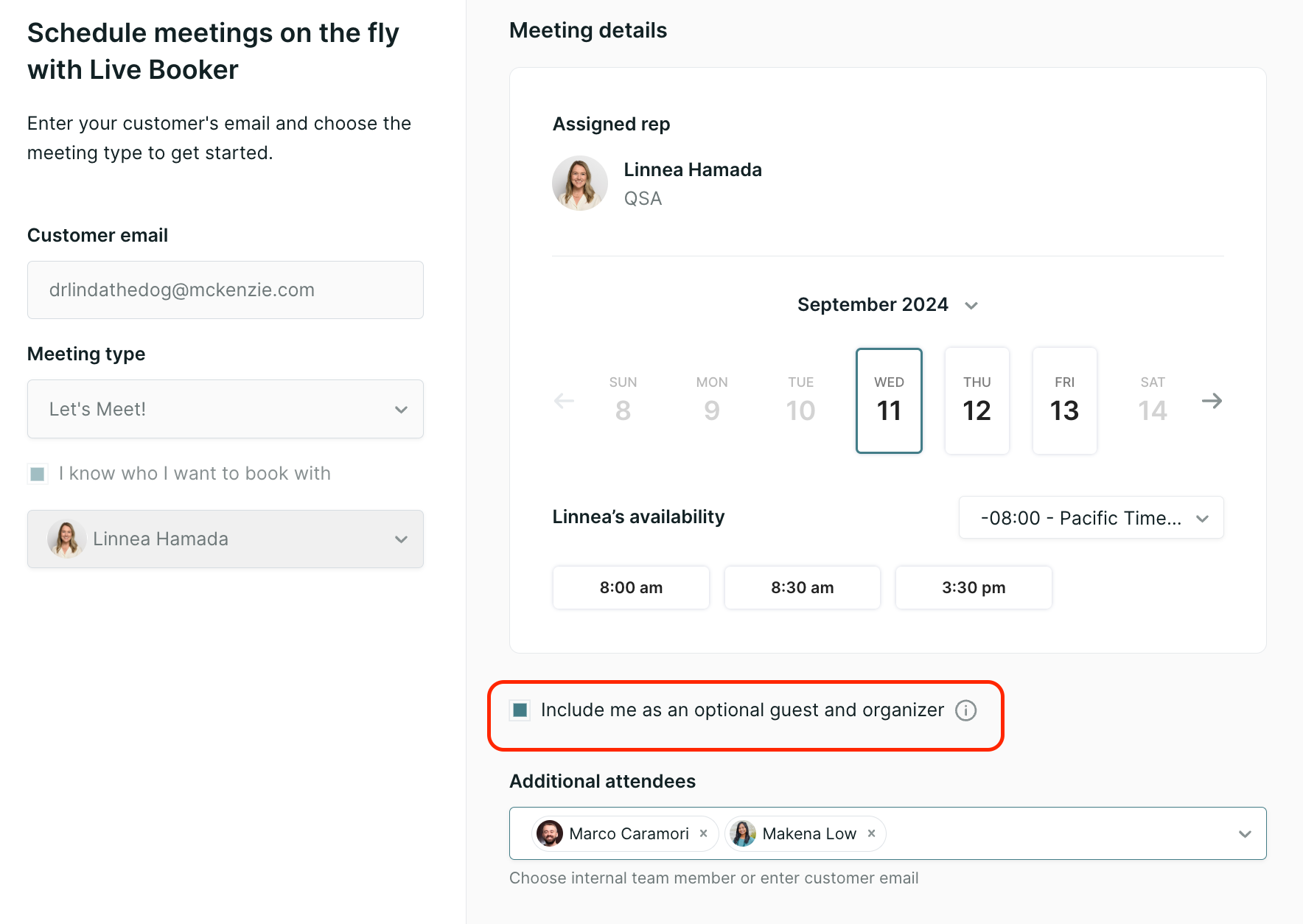
If a user is booking a meeting for themselves, they will not see the “Include me as an optional attendee and host” option.
Adding guests
You can add other members of your team and/or additional customer invitees by selecting them from a drop-down list or typing their email address.
Meeting title
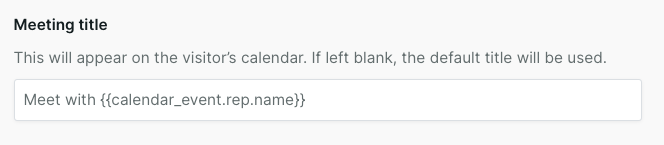
The meeting title can be customized at the time of booking. If left blank, the default title set in your Meeting Settings will be used.
Leads and Salesforce Events
If a meeting booked through Live Booker is cancelled, reassigned or rescheduled, Qualified updates the existing meeting event in Salesforce.
Note: Booking a meeting through Live Booker doesn't automatically create a lead in Salesforce. If you need a lead for every Live Booker booking, set up a workflow to create one. Learn more in Using workflows in Qualified.