


Now that you’ve connected your Demandbase, Clearbit, 6sense, or ZoomInfo account, select which fields in Qualified to populate with enrichment data.
- Navigate to Settings → App Settings → Fields.
- Select the field you want to prefill with enrichment data, or create a new one.
- Select Reveal or Enrichment (Clearbit/Demandbase), 6sense or ZoomInfo as your source.
- Select the data from the enrichment platform, such as the company “Name” shown below, that you'd like to store in the field.
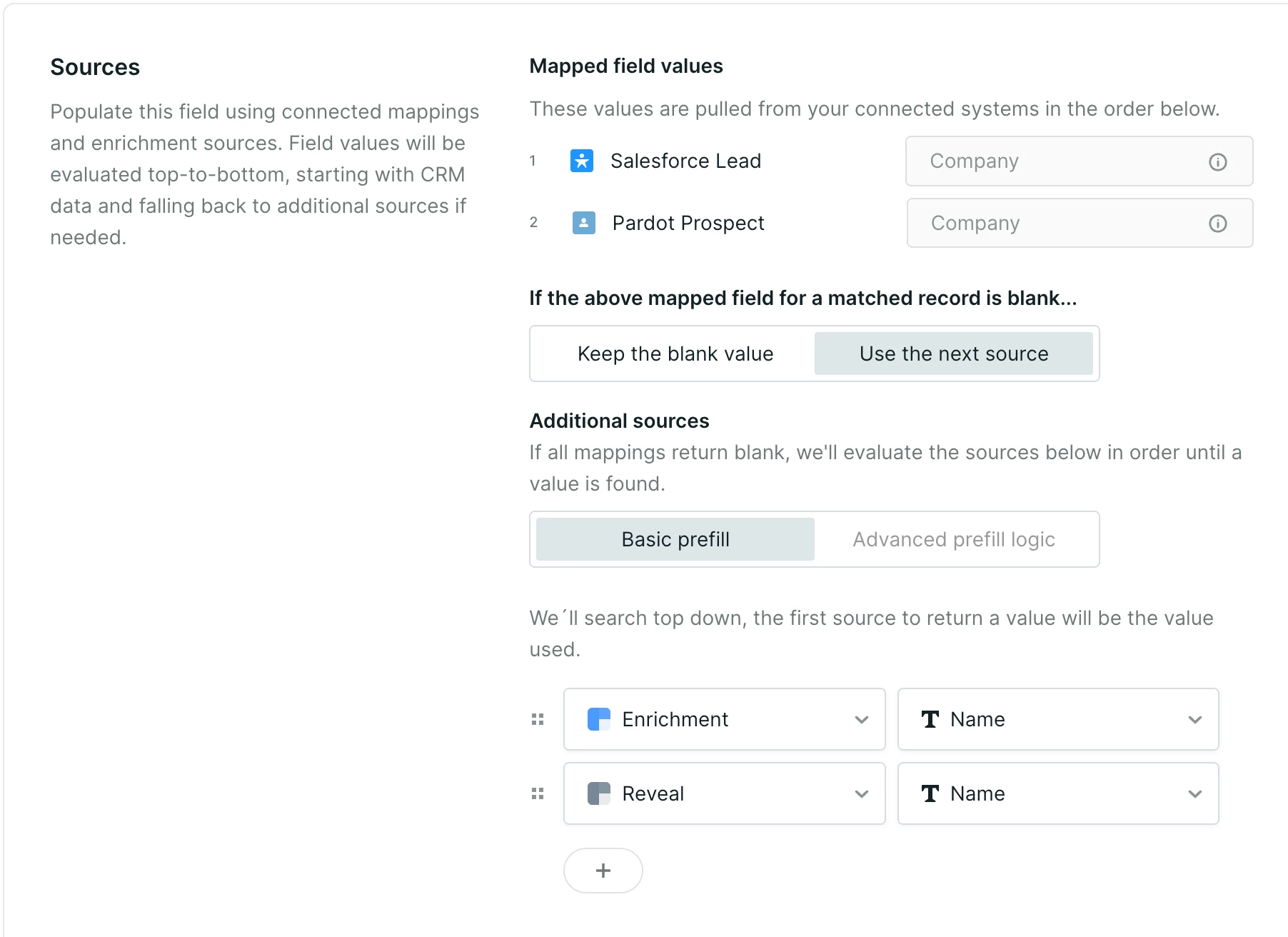
Note: When you use a combination of ZoomInfo, Enrichment and Reveal to prefill a field, position Enrichment and ZoomInfo above Reveal. Demandbase or Clearbit Enrichment and ZoomInfo prefill information based on the visitor’s email address, while Reveal uses only the visitor’s IP address, which may be less accurate.



.svg)


